(Bài viết từ Đăng Hải Phạm- Facebook)
Nâng cao ưu tiên giữ nguyên ảnh gốc, bảo toàn khuôn mặt và kiểm soát chất lượng da tốt hơn.
Upscale this portrait to 4K quality using the uploaded image as a strict pixel-aligned reference. Preserve the exact original composition, framing, crop, camera angle, perspective, subject position, scale, pose, facial identity, expression, facial features, body proportions, background, lighting direction, and overall original color palette.Enhance the existing eye, hair, skin, fabric, and surface details. Refine the skin so it appears naturally smooth, clean, luminous, healthy, and evenly toned while preserving realistic pores and fine texture. Gently reduce dullness, muddy or grey skin tones, uneven pigmentation, blotchiness, harsh discoloration, and compression artifacts. Improve skin clarity and restore a subtle natural radiance without changing the person’s natural skin tone or making the skin unnaturally pale.Do not crop, zoom, rotate, resize, reframe, recenter, shift, warp, reposition, extend, or regenerate the composition. Do not alter facial identity, facial structure, expression, makeup design, hairstyle, clothing, background, or lighting direction. No plastic skin, waxy texture, excessive smoothing, artificial whitening, overexposure, beauty-filter effect, or invented facial details.The result must remain perfectly aligned with the original when overlaid at the same dimensions. Only resolution, clarity, fine-detail recovery, and natural skin refinement may visibly improve.Output: photorealistic 4K ultra HD, naturally smooth luminous skin, realistic micro-texture, clean fine detail, publication-ready.
Sử dụng với bìa tập
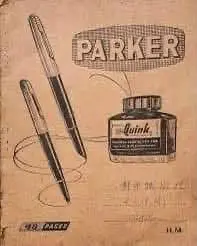 -
- 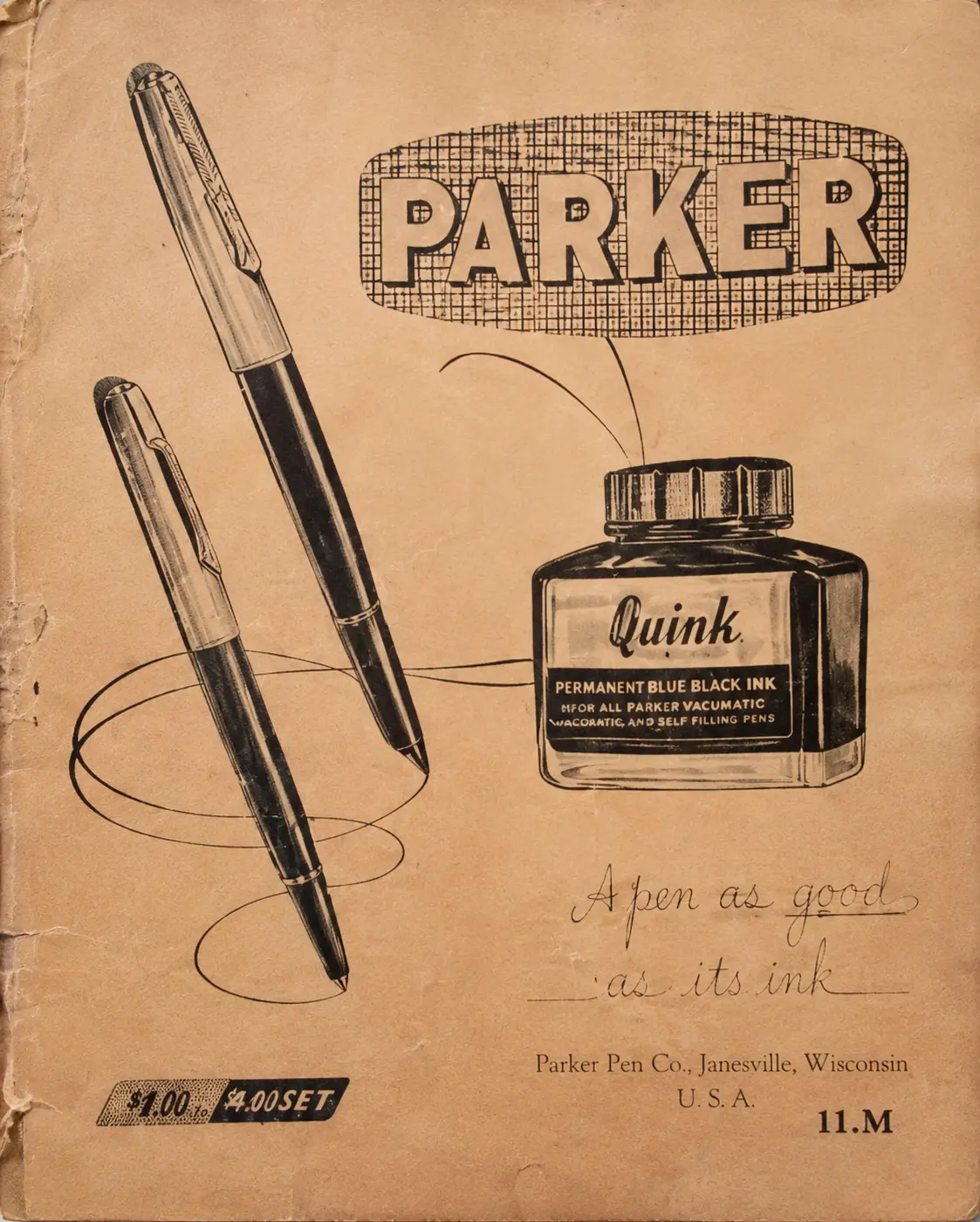
Sử dụng model **GPT Image 2.0 High – 4K** trên Magnific để tăng độ phân giải, cải thiện độ nét và tái tạo chi tiết khuôn mặt, tóc, da và chất liệu.
 -
- 
Lưu ý: Đây là dạng AI enhance có tái tạo chi tiết, không phải upscale pixel-perfect. Vì vậy, khuôn mặt, màu sắc hoặc vị trí hình ảnh có thể thay đổi nhẹ so với ảnh gốc. Nên sử dụng ảnh đầu vào có chất lượng tương đối tốt để giữ nhận diện và bố cục ổn định hơn.
Đây là một phương pháp đáng thử nghiệm. Bạn cũng có thể kết hợp ComfyUI hoặc các nền tảng upscale khác để tìm ra kết quả phù hợp nhất với từng hình ảnh.
Nguồn: https://monday-ai.notion.site/upscale-gpt2
Comments
No comments
There are no comments yet. Be the first to write one.