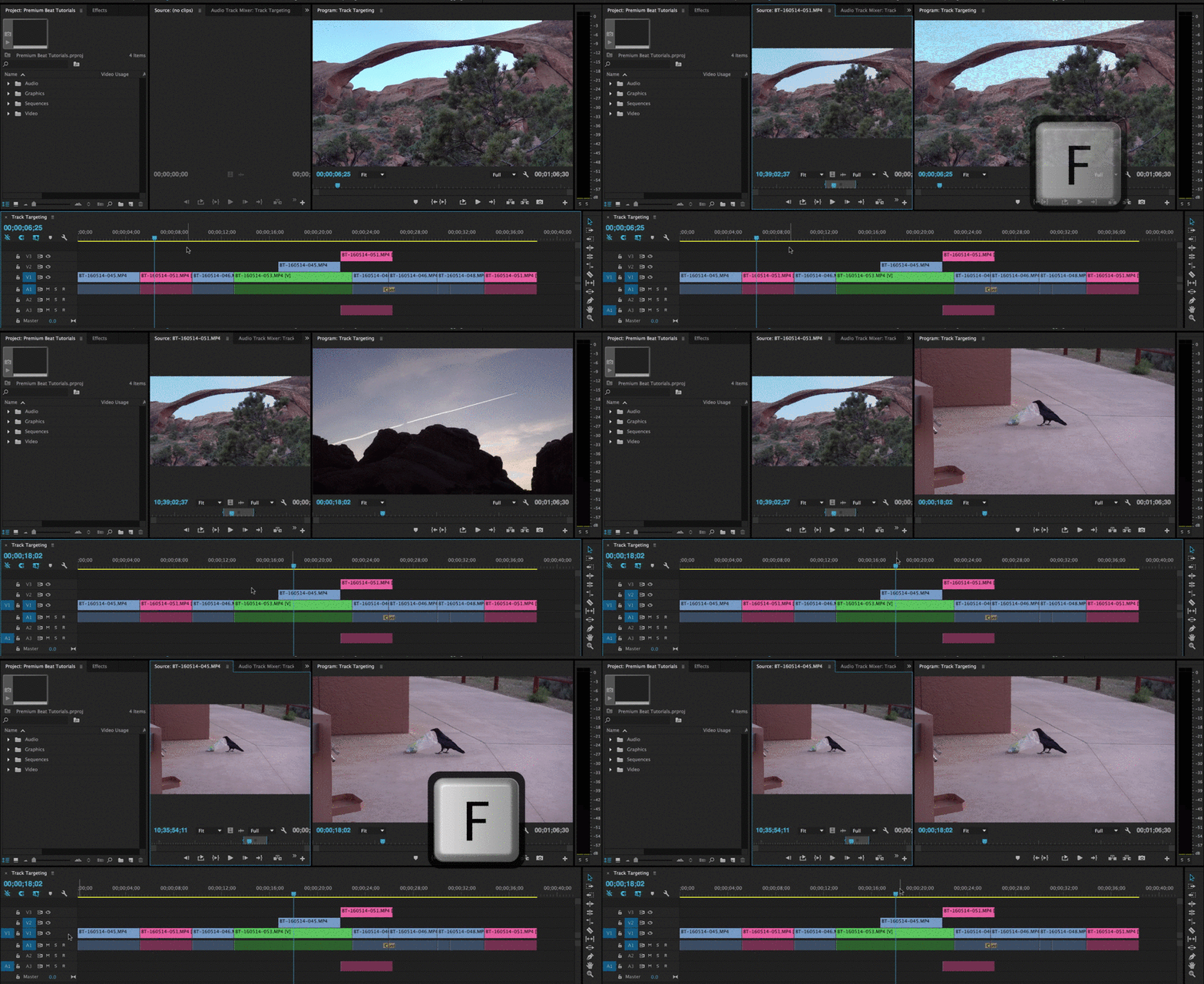
Target Track là các ô V1, V2, V3 và A1, A2, A3... ở đầu trái timeline
Bạn có thể chọn cùng 1 lúc nhiều target track

Cách sử dụng Taget track
1. Di chuyển đến các Clip 1 cách nhanh chóng bằng 2 phím arrow down ▽ và arrow up △

2. Copy và Paste

3. Tìm frame trong timeline
Nguồn: https://www.premiumbeat.com/blog/use-track-targeting-navigate-premieres-timeline/
Comments
No comments
There are no comments yet. Be the first to write one.