Tập hợp các câu hỏi thường gặp với các ứng dụng open office

Text document
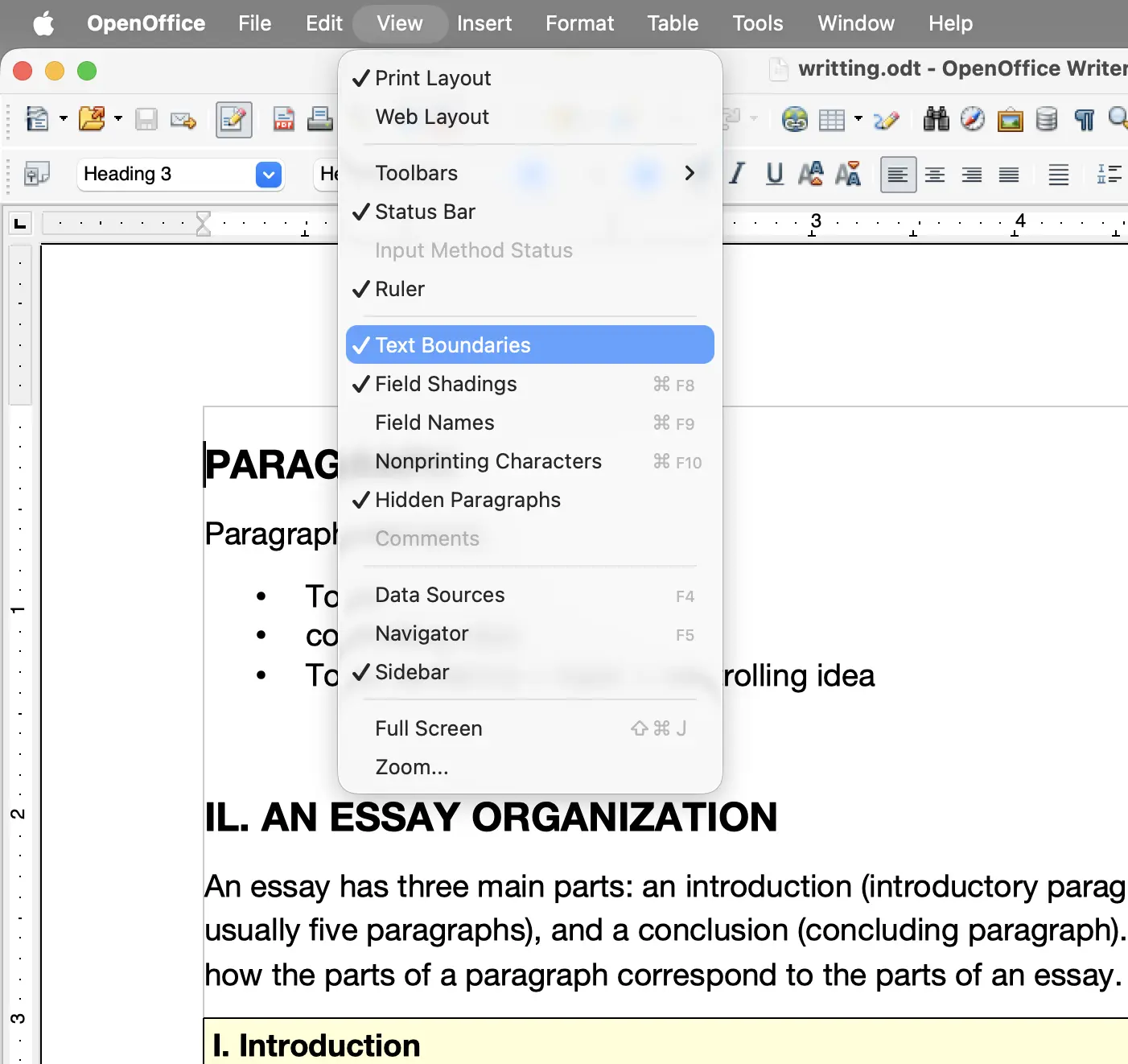
view
- Tắt đường margin - View > Text Boundaries
- Tắt đường đỏ gạch dưới (auto spelling check)
- Tắt icon trên thanh tools bar
- Tools > Spelling and Gammar > Options: Check spelling as you type
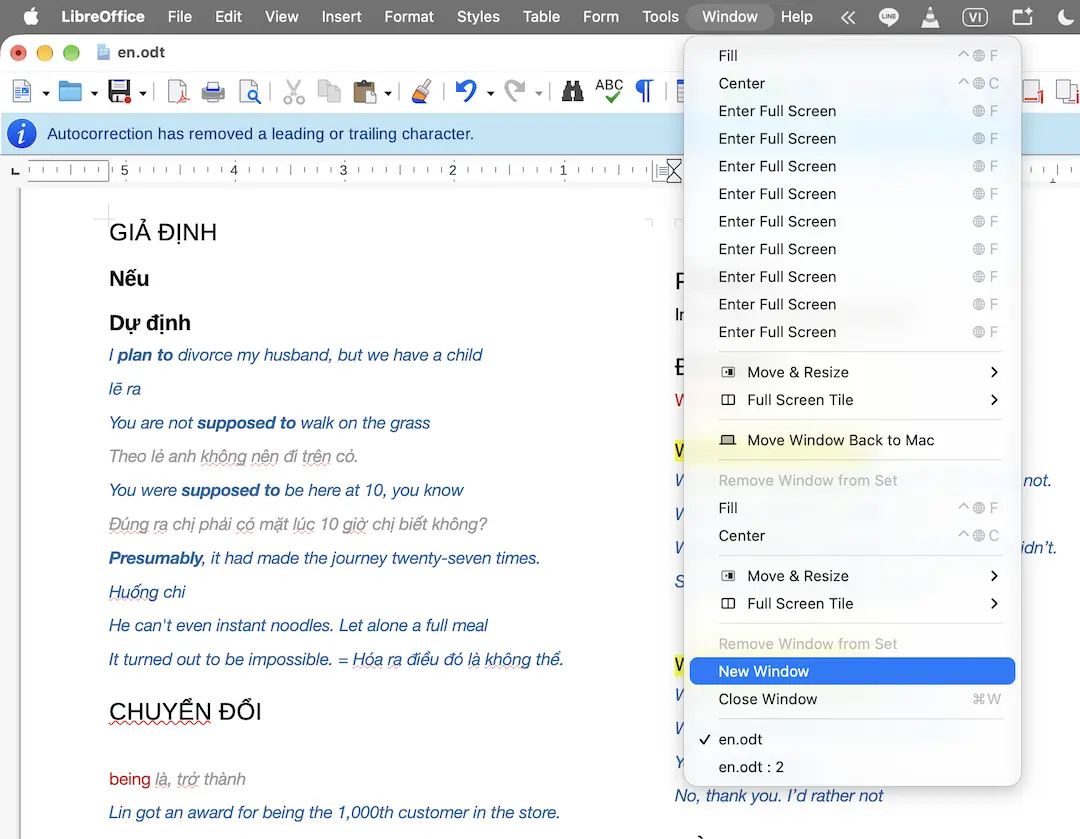
- Mở 1 file trên 2 màn hình window: Window > New Window

setting
- Thay đổi đơn vị Units
- reset to default
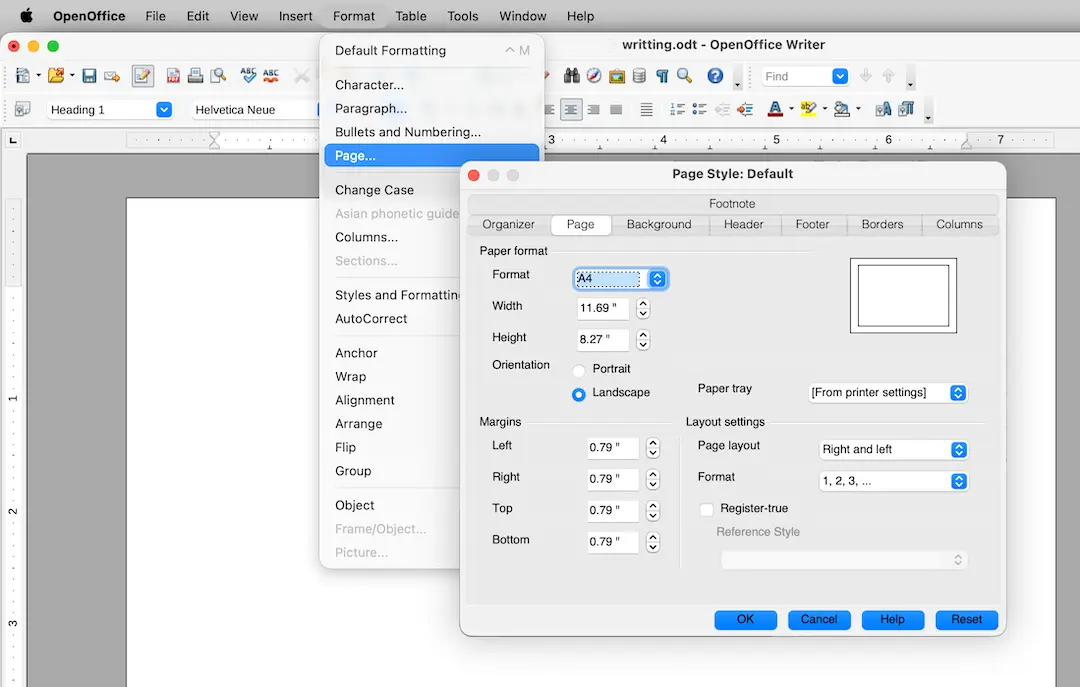
- Điều chỉnh page size, orientaion, margin - Format > Page..
Layout
- add page - Ctrl Enter
- move to next page - Ctrl Enter
- Grids
- Section
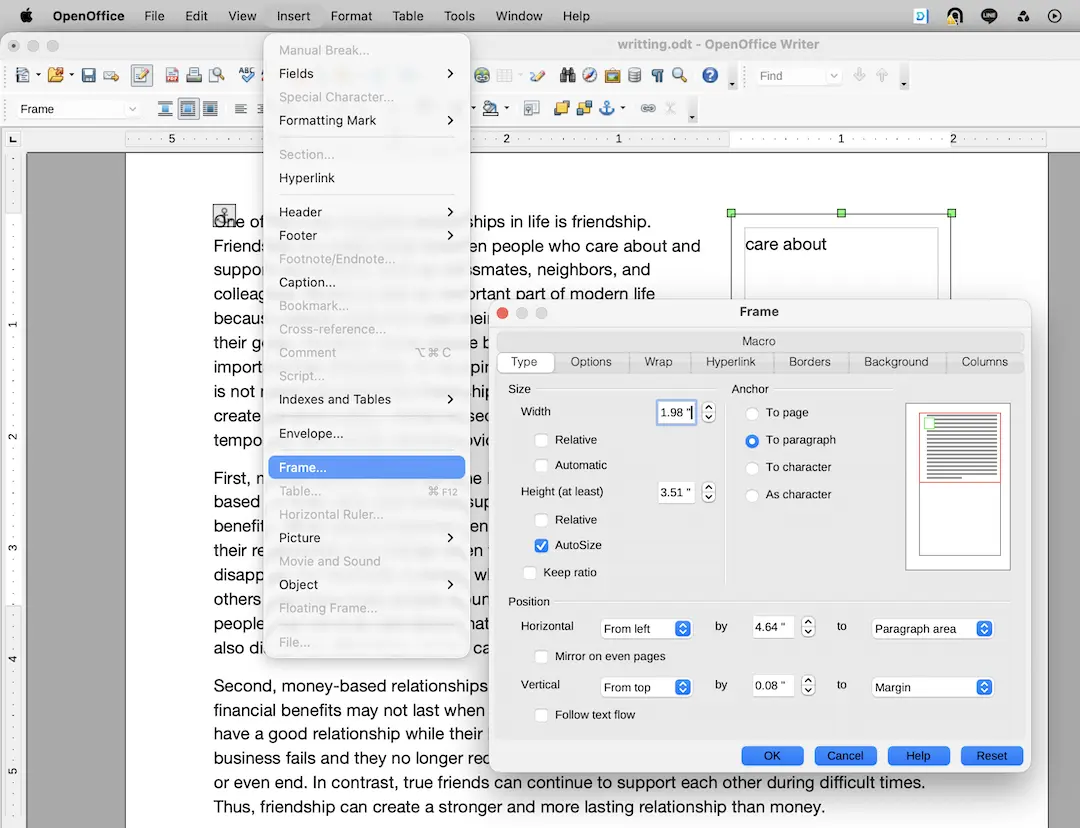
- Text frame - Inset > Frame..
- Thread
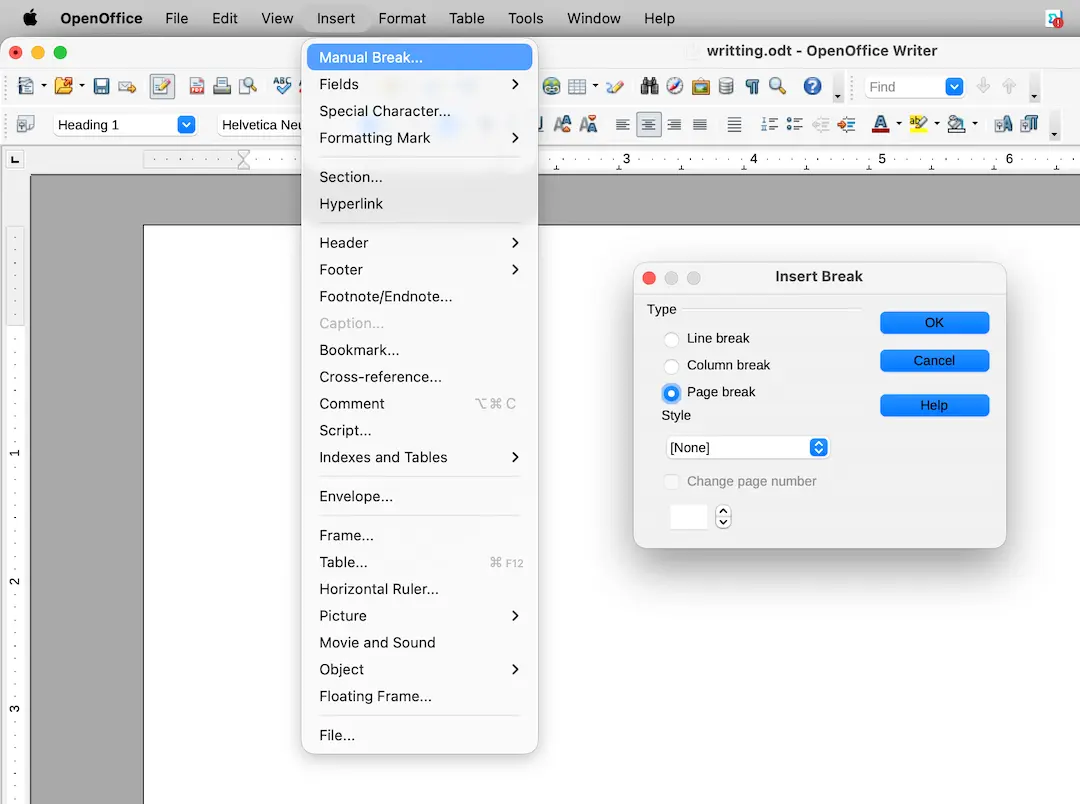
- Inset page break - Insert > Manual Break
Image
- Text wrap
Table
- Space inset
Comments
No comments
There are no comments yet. Be the first to write one.