Những lưu ý khi xuất file tạp chí

Các thông số kỹ thuật khi thiết kế file in
- Độ phân giải 300 ppi
- Hệ màu CMYK
- font chữ body ~ 10pt (typeface neutral)
- Ảnh link (tif, psd - CMYK - 300ppi)
- Bleedding 3 mm.
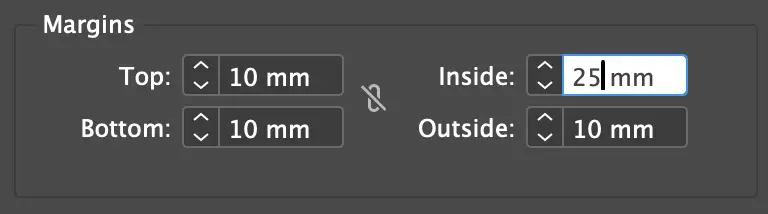
- Margin cho tạp chí đóng gáy (Top, Bottom, Outside = 10 mm, Inside = 25 mm)
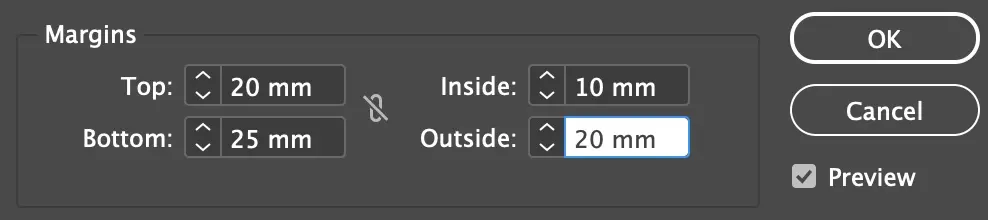
- Margin cho tạp chí bấm kim giữa (Top, Outside = 20 mm, Bottom = 25 mm, Inside = 10 mm)
Xuất file in
- Bleeding - Xuất file pdf có bù xén 3 mm (Indesign)
- Xuất file pages - General > chọn Pages
- Chọn giấy
- Trang bìa - couche 300. Thường trang bìa được cán mờ.
- Trang ruột - couche 150
Nếu thiết kế trang bìa riêng trên illustrator thì có thể gởi file.ai bìa (đã create outline text) có phần gáy riêng. Phần Nội dung vẫn xuất file PDF (high quality)
Xuất file xem trên màn hình
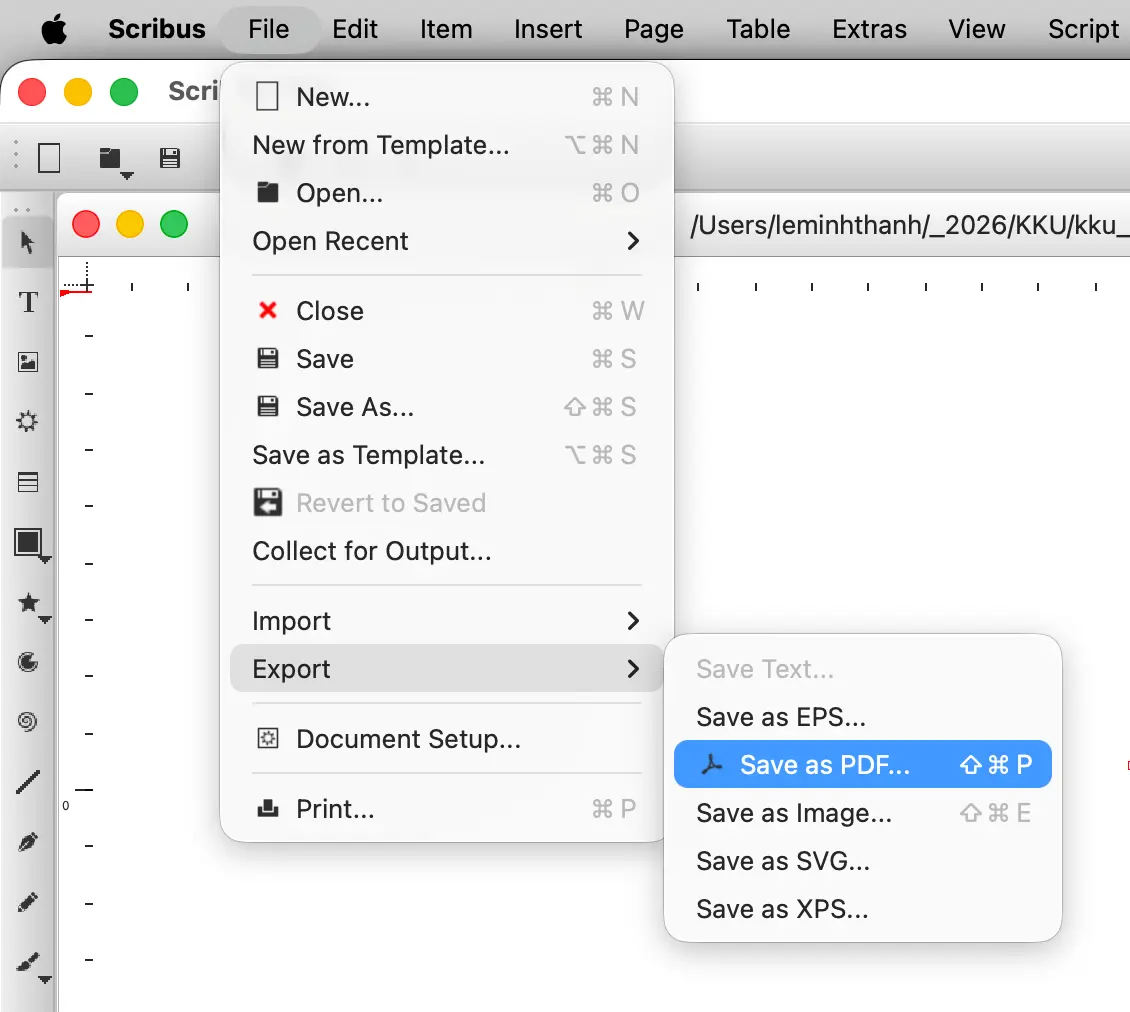
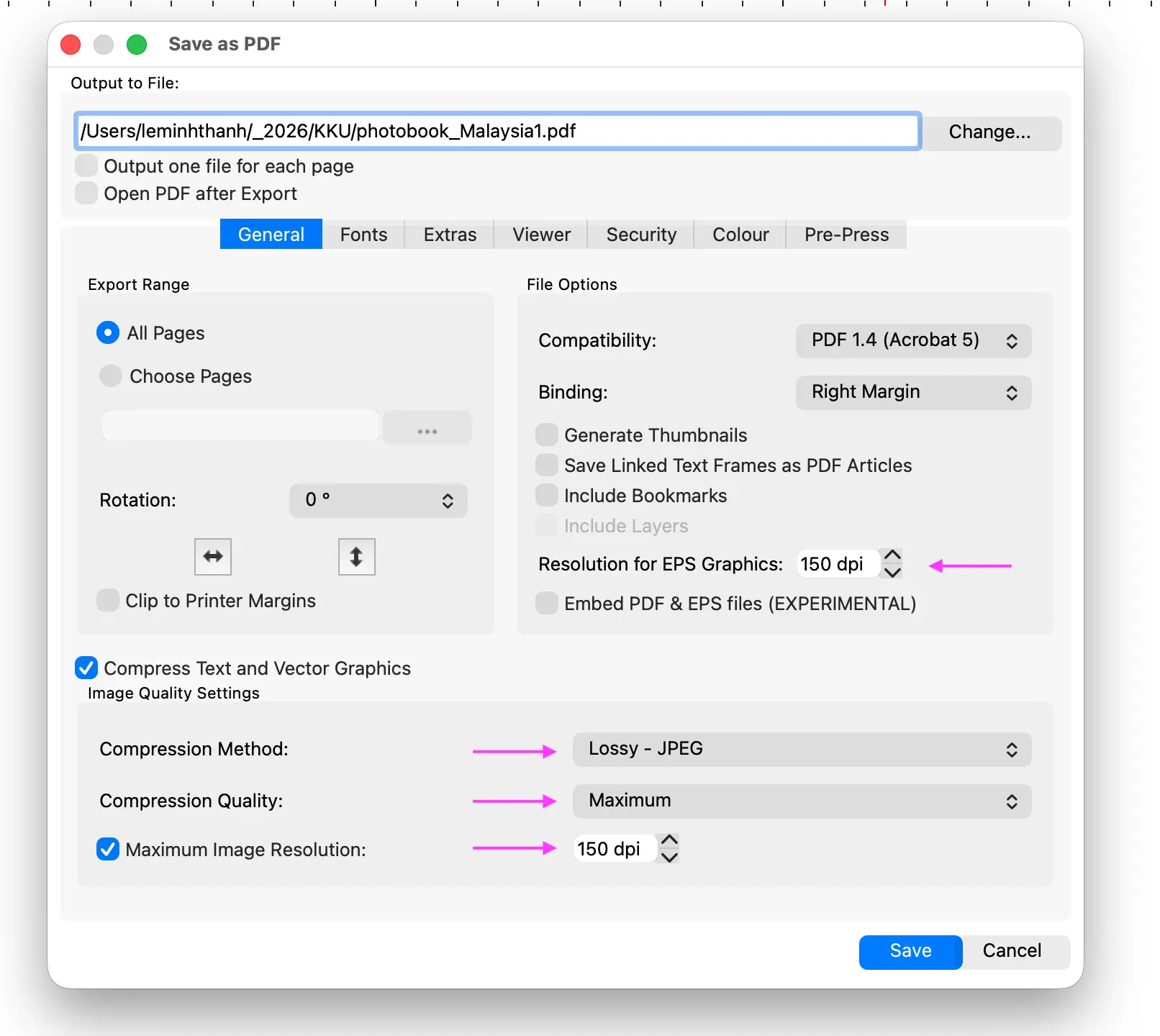
- Xuất file PDF chất lượng thấp để có dung lượng nhỏ nhất, dễ gởi share. (scribus, Indesign, illustrator)
- Xuất trang đôi (Indesign)

Xuất file có bleeding trong indesign
- File > Adobe PDF Presets > [Hight Quality Prints]
- Marks and Bleeds > chọn Use Document Bleeds Settings

Xuất file pdf trang đôi xem trên màn hình trong indesign
- File > Adobe PDF Presets > [Smallest File Size]
- General > chọn Spread


Preflight - Kiểm ra file trước khi in
Nén ảnh
Xuất chế độ xem trang đôi
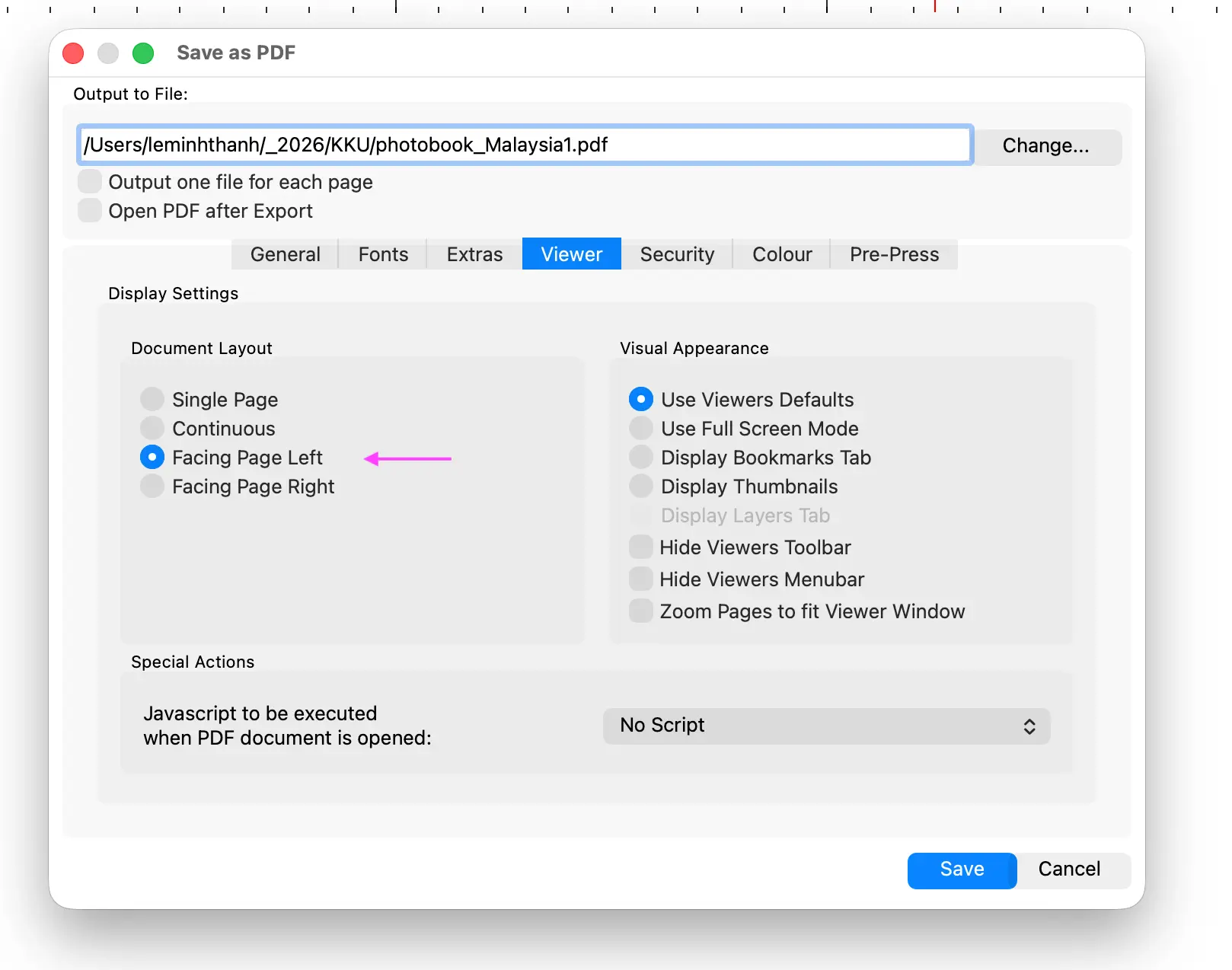
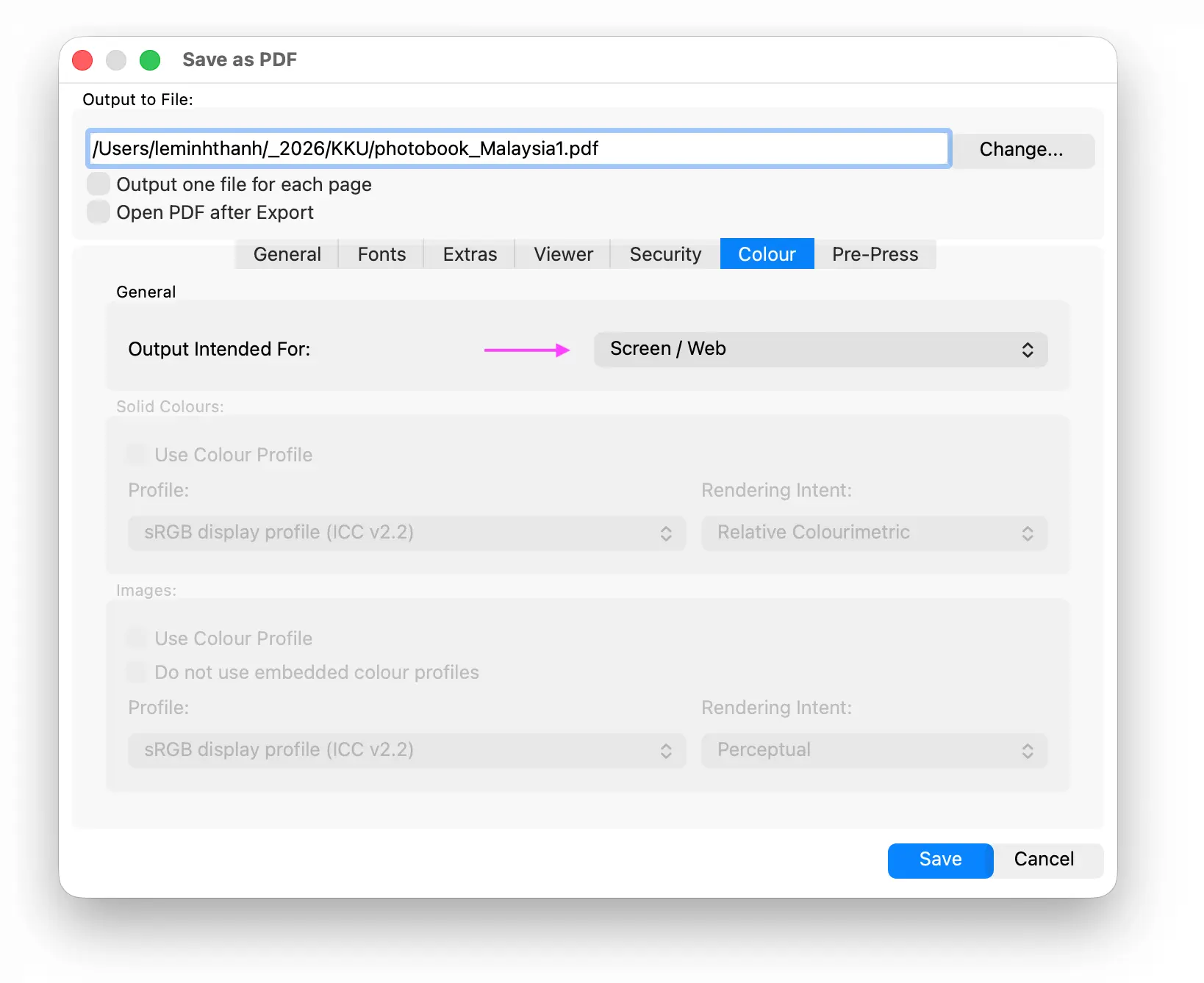
Thiết lập màu sắc RGB
Comments
No comments
There are no comments yet. Be the first to write one.